Location-to-location backup
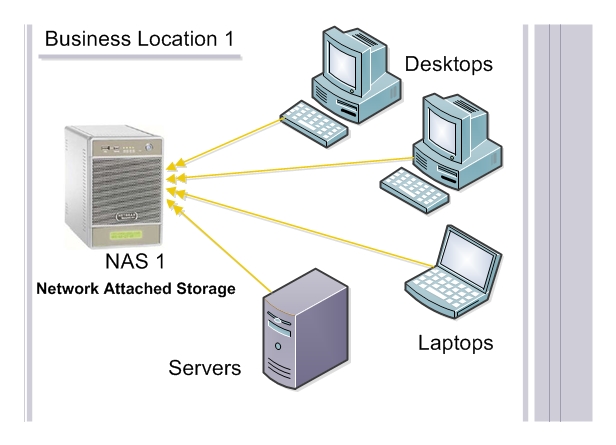
Configure business data to back up to network attached storage, then mirror it securely to another client-controlled location.

Private cloud backup between your own locations
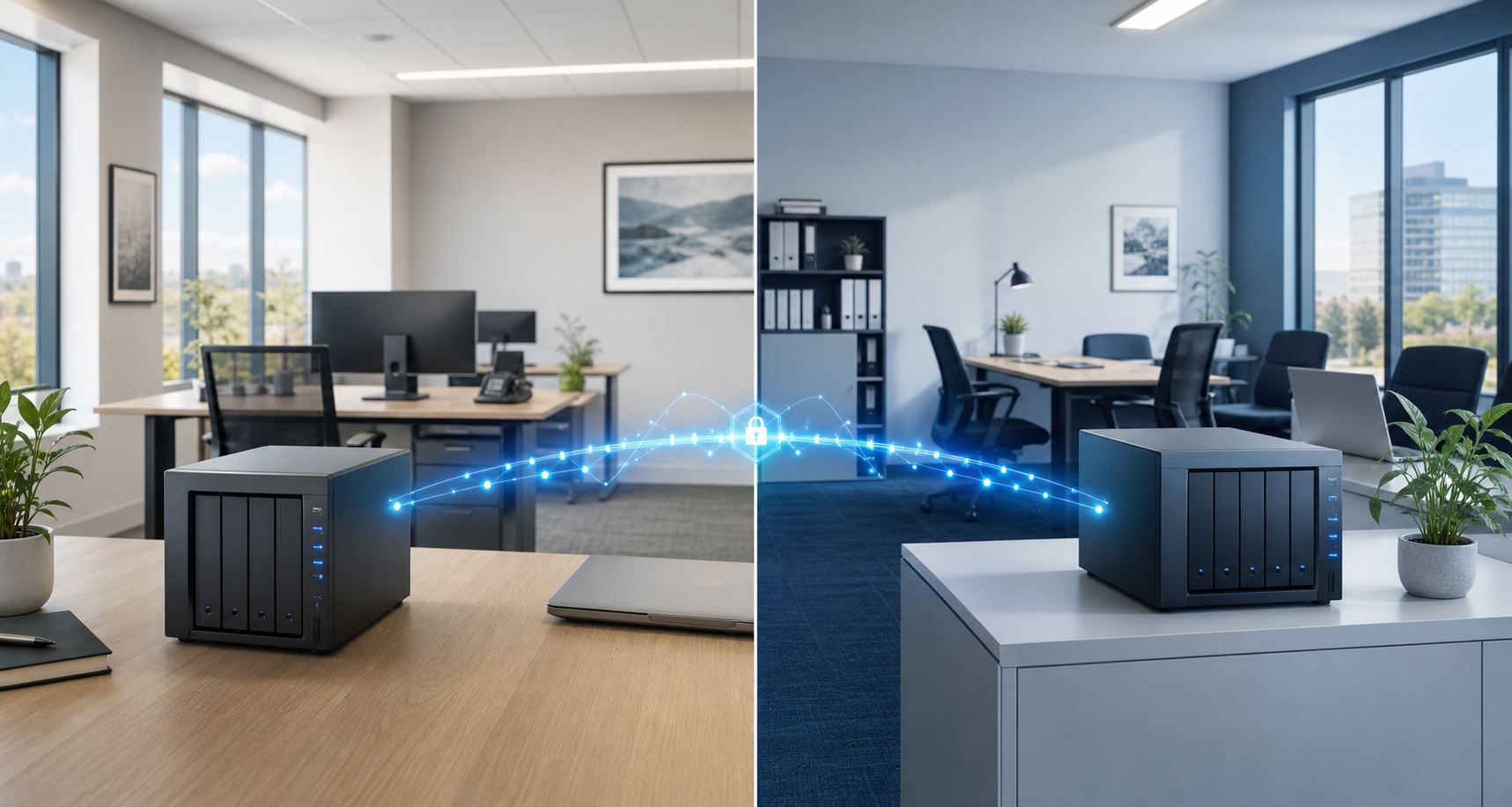
BlueStone Backup creates a private backup network using the client's own offices, branches, homes, or trusted locations, so location one can protect location two and location two can protect location one.


Core services
BlueStone focuses on hardware and software backup solutions customized to each client's locations, storage needs, and recovery requirements.
Configure business data to back up to network attached storage, then mirror it securely to another client-controlled location.
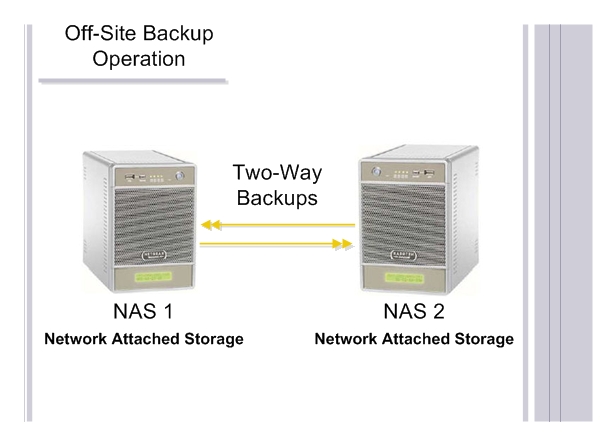
Move data between selected locations using encrypted transfer sessions and scheduled backup jobs.
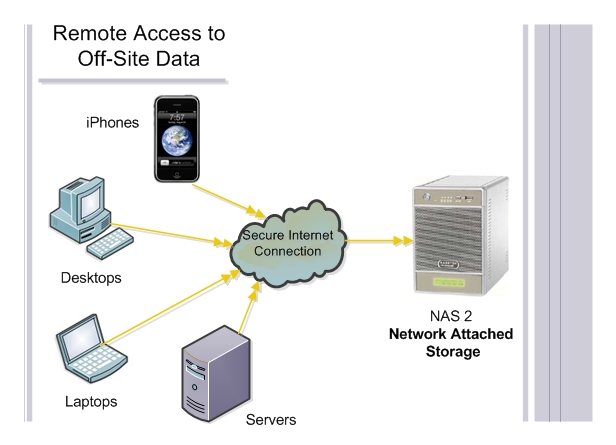
Access selected files and folders securely from outside the office, including while traveling or working with clients.
More ways BlueStone can help
Beyond backups, BlueStone helps businesses plan the right local hardware, trusted backup locations, recovery steps, and continuity after unexpected data loss.
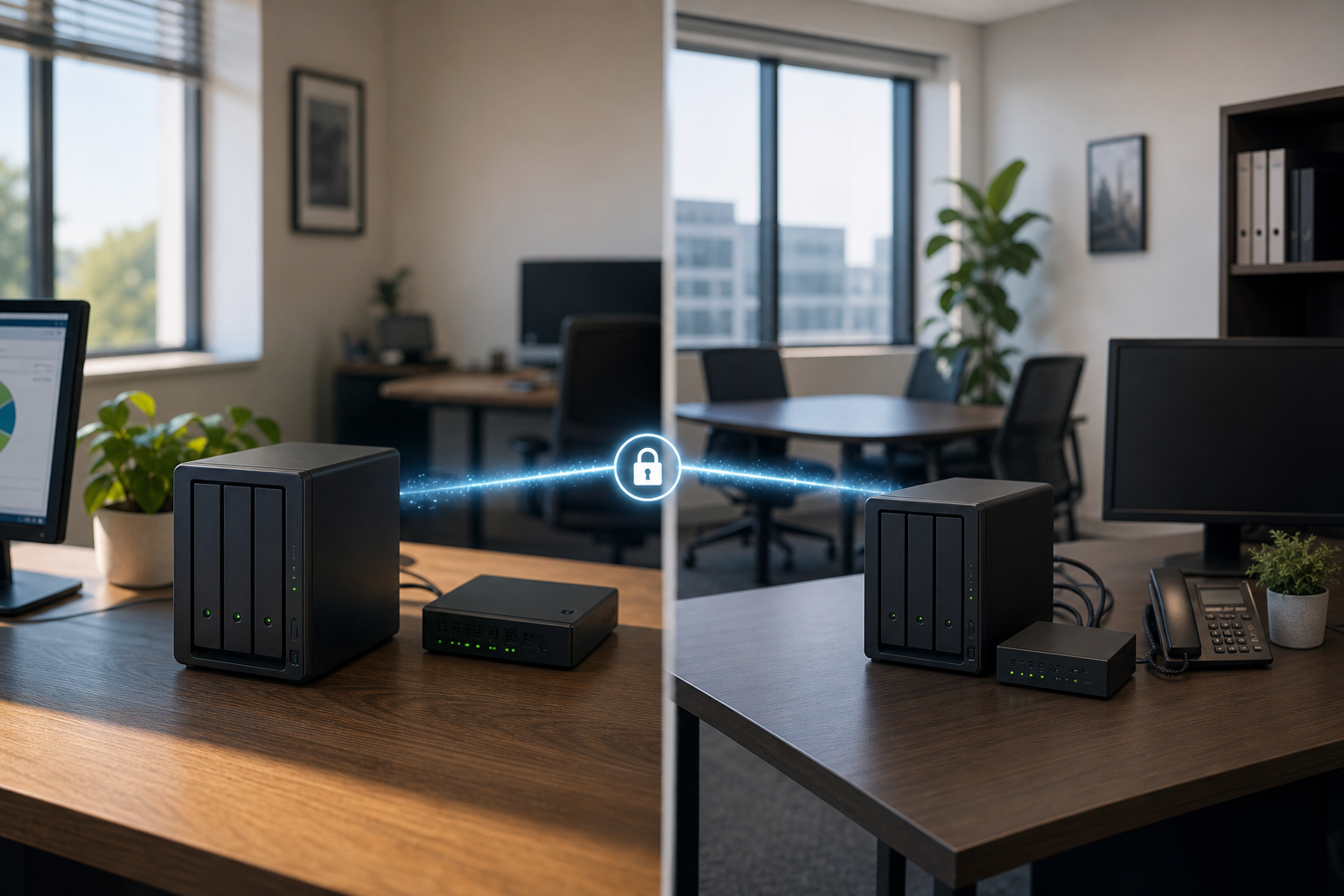
Private Cloud Design
BlueStone helps design, sell, and install the hardware needed to connect offices, branches, homes, or other approved locations into a private backup system.

Recovery Tips
Practical support for protecting files before a storm, hardware failure, user error, or data-loss event turns into business downtime.
Explore BlueStone Backup
These short summaries explain the private location-to-location backup approach, when it helps, and how it compares with other backup options.
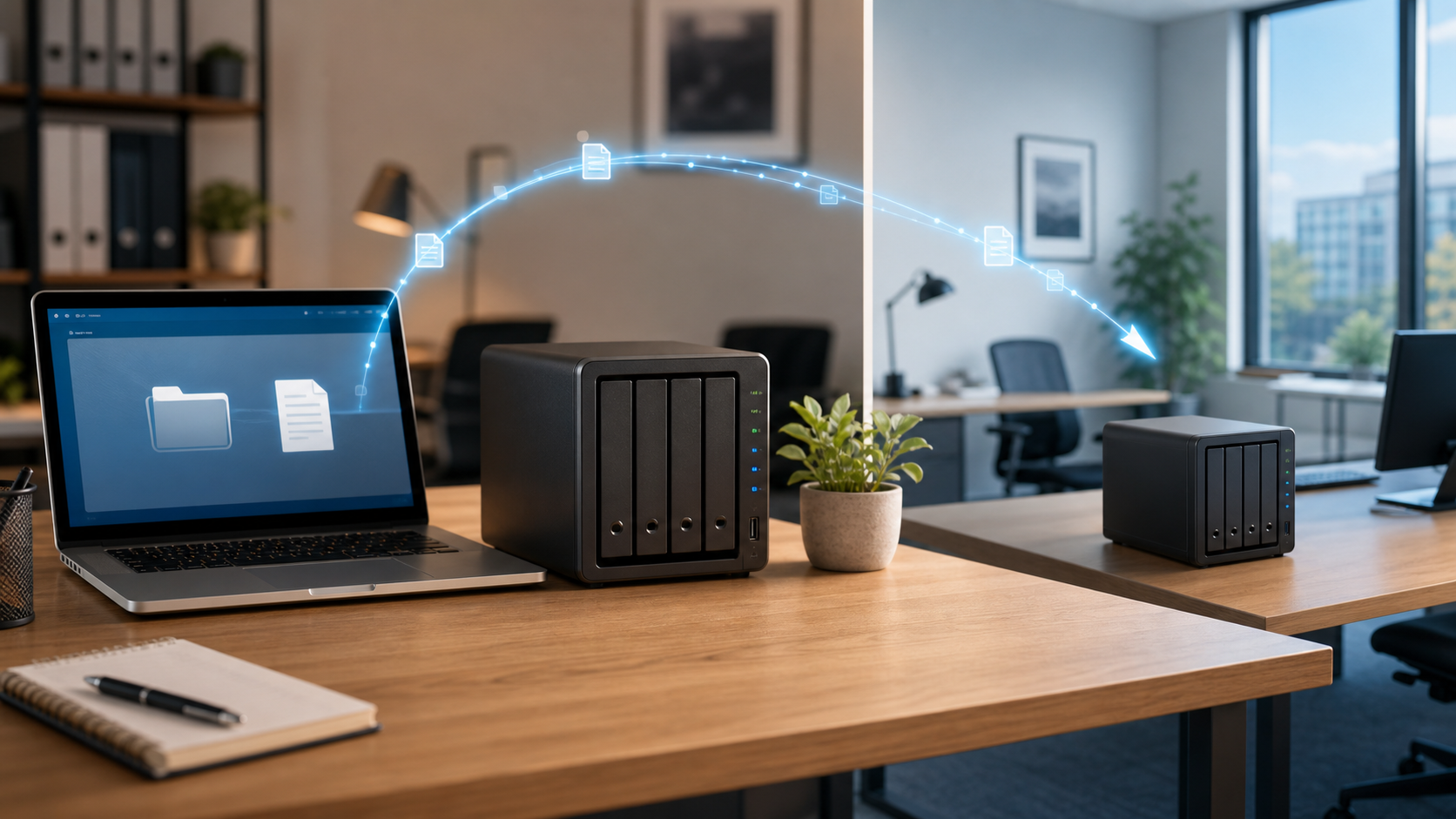
Professionals who rely on data need a second location copy in case of theft, disaster, hardware failure, user error, or viruses.
Read summary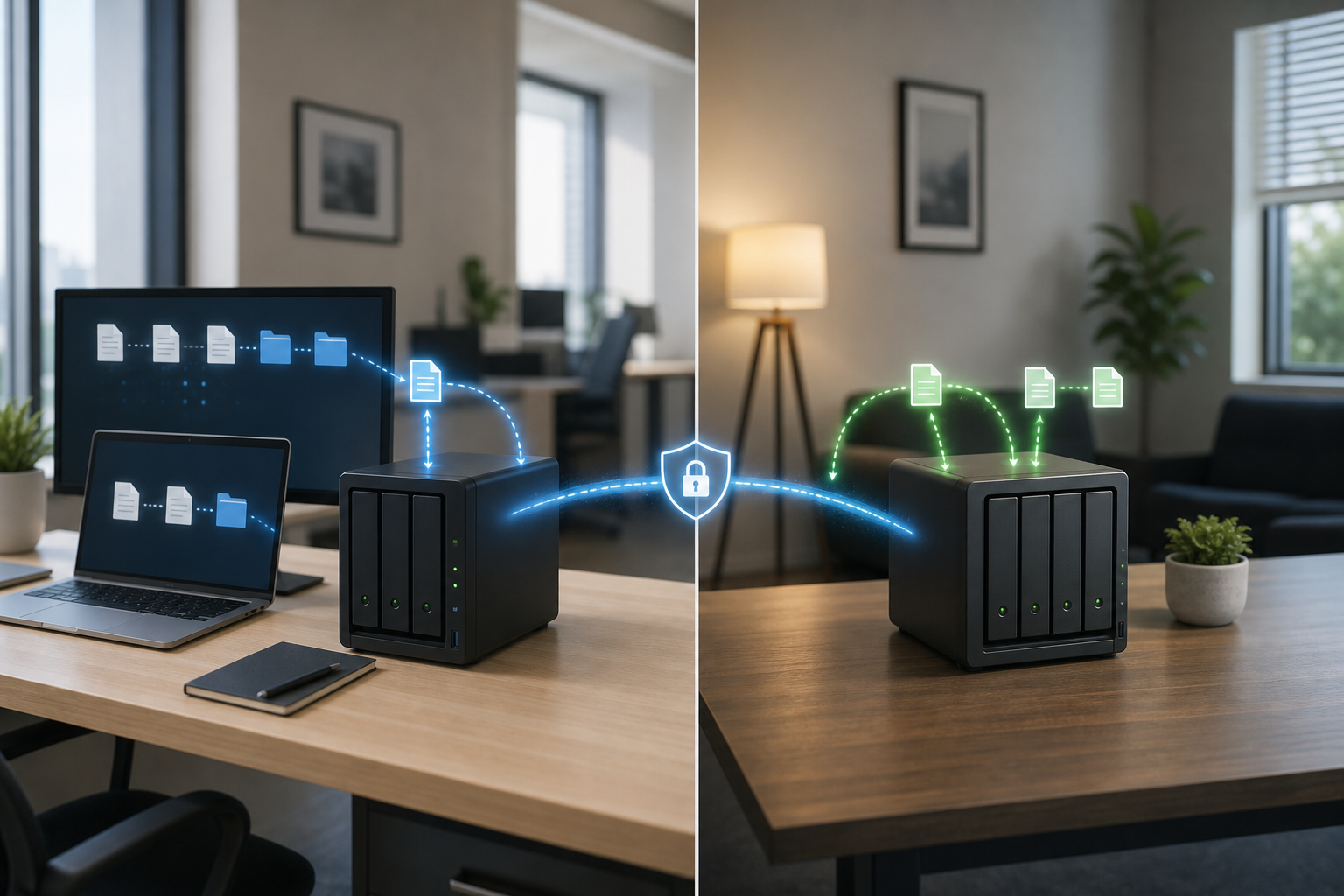
Advanced but simple: configurable NAS hardware, encrypted backup sessions, remote access, and expandable storage.
Read summary
Dedicated hardware, known client-controlled storage locations, flat-rate management, and a solution built around each client.
Read summary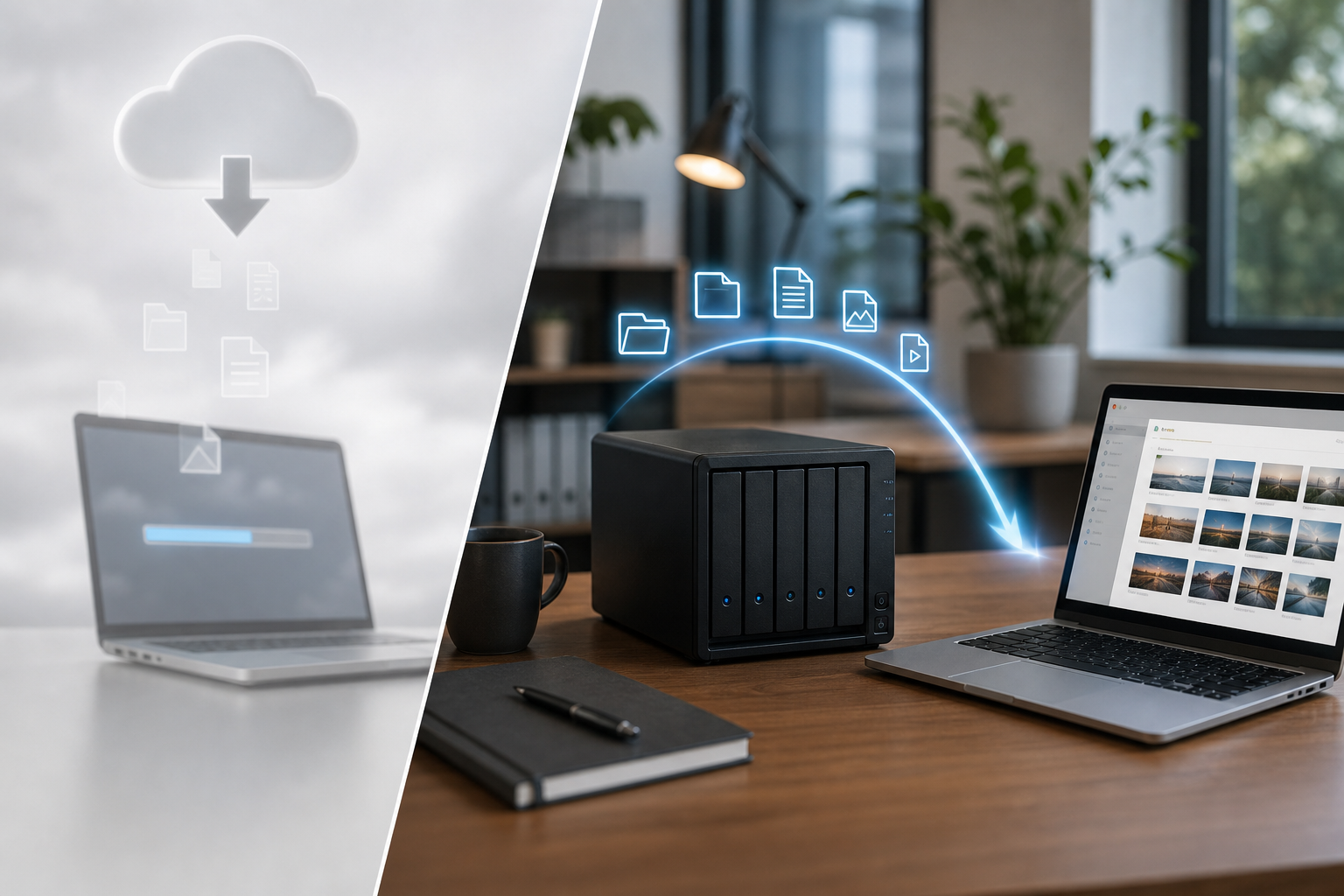
A practical side-by-side alternative to shared online backup and traditional backup approaches that can be slow to restore.
Read summaryHow it works
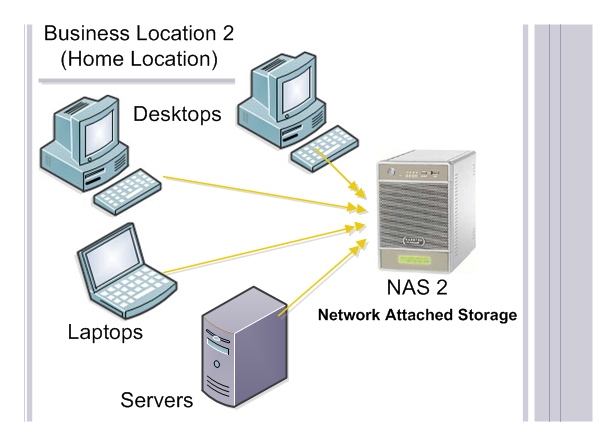
BlueStone installs and configures a network attached storage device at your business location.
A second storage device is placed at another business office, branch, home, or trusted client-controlled location.
Daily jobs copy business data to the off-site device so a current backup is ready when it is needed.
Why choose BlueStone
The key difference is simple: BlueStone builds a dedicated backup setup around the client's own trusted locations, not a shared mystery cloud or BlueStone-owned data center.
Client testimonials
The live site highlights several medical and wellness clients. This draft keeps the preview without embedding old video iframes or broken local document links.
Owner and Director of Eastpointe Chiropractic & Physical.
Video testimonial referenced on the live site
“BlueStone Off-Site Backup solution was exactly what I was looking for. It centralized all of my data from all of my computers into one single centralized network drive.â€
Cardiovascular Medicine and Interventional CardiologyOwner and Manager of Eastpointe Health & Fitness.
Video testimonial referenced on the live site
Board Certified in Internal Medicine, Pulmonary, Critical Care, and Sleep Medicine.
Video testimonial marked as pending on the live siteFlat rate
The legacy Rates page lists a simple monthly management fee for the off-site NAS backup drive, administrative tasks, monitoring, and daily backup operations. Hardware/storage capacity depends on the installed drives.
Contact
For a customized off-site backup solution that fits your business needs, send a request through the form below.